Live online App Development classes for kids
Learn to create amazing apps for real world problems
About Me (Course Instructor)

Dear Parent.
I am Aakash. As a software engineer and UI/UX enthusiast, I bring professional interface design logic to my app development classes. I guide students through the full lifecycle of software creation, from wireframing layouts to coding functional features. My mission is to empower young developers to build the real-world tools they use every day, moving them from app users to app creators.
Learner Projects
Project: Guess the Number
Learner name: Emily Smith
Age: 13
Project: Rock Paper Scissor
Learner name: Leo Andersen
Age: 14
Project: Ajesh Vikram
Learner name: Tables Generator
Age: 11
App Development
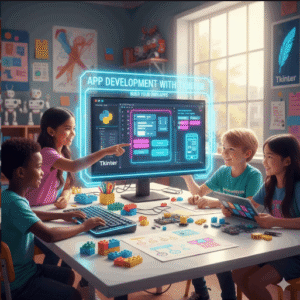
By the end of this course, the student learns to develop and deploy his/her own apps that would solve real world problems.
[Total no.of classes: 24
Recommend: two classes per week]
Please Note:
1. After each class, student will be given few simple, easy homework assignments so that the student doesn’t loose continuity between classes.
2. The number of classes can go more than the said number depending on student’s pace. No charges for those extra classes.
3. The student will continue to get mentorship in this subject for lifelong even after the completion of the course.
Class 1: Digital Name Board – We start by creating our very first window and proudly display our name on the screen like a mini digital signboard. This class is all about that “wow, I made an app!” moment and getting comfortable seeing our code come alive.
concepts: Tk window, Label widget, geometry, basic window setup.
Class 2: Click Me Counter Button – Let’s build a button that counts how many times you click it. Every press updates the number instantly, making the screen feel interactive and playful, like a tiny click game.
concepts: Button, command functions, variables, updating labels.
Class 3: Friendly Greeting Machine – I’ll show you how to type your name into a box, press a button, and get a personalized greeting back from the app, just like the computer knows you.
concepts: Entry widget, get(), set(), basic input handling.
Class 4: Mini Calculator for Daily Math – We turn our app into a helpful math buddy that can add, subtract, multiply, and divide, just like a pocket calculator you built yourself.
concepts: Entry, Buttons, arithmetic logic, multiple commands.
Class 5: Smart Login Screen – We create a simple login system where the app checks usernames and passwords and reacts accordingly, just like real apps do when you sign in.
concepts: Entry, validation logic, if/else conditions, message display.
Class 6: School Attendance Marker – Imagine a teacher marking attendance digitally. We’ll build a small tool where names can be marked present or absent with buttons.
concepts: Checkbutton, BooleanVar, basic data tracking.
Class 7: Daily Task To-Do Planner – This class turns Tkinter into a productivity tool where we add tasks, complete them, and stay organized just like a real planner app.
concepts: Listbox, add/remove items, event handling.
Class 8: Food Ordering App – We design a cafe-style menu where users select food items and instantly see what they’ve ordered, like placing an order at a restaurant.
concepts: Radiobutton, variables, option selection.
Class 9: Simple Expense Tracker – I’ll help you build a money tracker where you enter expenses and watch totals update, teaching how real budgeting apps work.
concepts: Entry, labels, calculations, data updating.
Class 10: Color Theme Playground – We experiment with colors and instantly change the look of our app, making it feel alive and customizable like real software.
concepts: widget styling, background colors, dynamic updates.
Class 11: Image Viewer App – Let’s load pictures into our app and switch between them, just like a mini photo viewer on your computer.
concepts: PhotoImage, image handling, labels.
Class 12: Message Popup Notifier – This class teaches how apps talk back to users using popups for alerts, warnings, and confirmations.
concepts: messagebox, user feedback dialogs
Class 13: Quiz Game – We create a fun quiz game where the app asks questions, checks answers, and keeps score like a real game show.
concepts: logic flow, score variables, buttons, labels.
Class 14: Timer & Countdown App – We build a countdown timer that feels like a rocket launch clock or exam timer, ticking down second by second.
concepts: after() method, time control, loops.
Class 15: Simple Drawing Board – This class turns the app into a mini paint tool where users draw freely using the mouse, unleashing creativity.
concepts: Canvas, mouse events, drawing shapes.
Class 16: Student Information Form – We design a neat form to collect student details, just like online registration systems used by schools.
concepts: multiple Entry widgets, layout design, data collection.
Class 17: File Saver Notebook – Let’s build an app that saves and opens notes from the computer, making it feel like a real text editor.
concepts: file dialogs, open/save files, file handling.
Class 18: Digital Wallet Simulator – Money apps help manage spending wisely. We’ll create a playful wallet where switches lock spending, enable savings mode, and show balance alerts, making the app feel smart and responsible.
concepts: Checkbutton, BooleanVar, widget state control, logic rules.
Class 19: Appointment Booking System – We create an app where users book appointments by selecting dates and times, just like hospital or salon booking apps.
concepts: Combobox, dropdowns, structured input.
Class 20: Help Desk Ticket System – Real companies track problems using dashboards. We’ll build a mini help desk where tickets move from “New” to “In Progress” to “Resolved” inside one smooth app.
concepts: Frames, dynamic screen switching, layout management.
Class 21: My Daily Life Dashboard – Build your very own personal control panel where you can switch between screens like Today’s Tasks, Mood Check-In, Quick Calculator, and Fun Facts using simple buttons, just like real apps do.
concepts: multiple frames, navigation logic, reusable components.
Class 22: Password Generator Tool – We create a smart tool that generates strong passwords instantly, showing how security apps think.
concepts: random module, string handling, button actions.
Class 23: Business Profit Analyser – We build a simple dashboard that displays summaries, totals, and highlights, the profits and losses of your business.
concepts: structured layouts, labels, data visualization logic.
Class 24: Digital Cafe Order App – Build a light, real-world cafe ordering application where users select food items, customize orders, see live totals, and place orders through a clean desktop interface, making Tkinter concepts feel practical, fun, and highly relatable.
Concepts: full Tkinter workflow, multi-frame screens, buttons & dropdowns, state management, basic calculations, modular design, project structuring.
My App Development Expertise
GUI Design Specialist: Expert in teaching kids how to build Graphical User Interfaces (GUIs) with widgets like buttons, labels, and text entries.
Event-Driven Programming Mentor: Skilled in guiding students to write code that responds to user actions, making apps interactive and functional.
Logic Integration Architect: Proficient in connecting complex Python backend logic to a visual interface to create tools like calculators, to-do lists, and unit converters.
Learner Feedback
Learner: Emily Smith | Age 13 | England
Rating (5 star): ⭐⭐⭐⭐⭐
“The course helped me learn how to place buttons in the right spots and change the colors of my app. I feel very good when I am building tools instead of just wasting time playing online games.”
Learner: Jin Park | Age 10 | South Korea
Rating (4 star): ⭐⭐⭐⭐
“I made a real calculator that pops up on my computer screen and it works perfectly.”
Why App Development ?
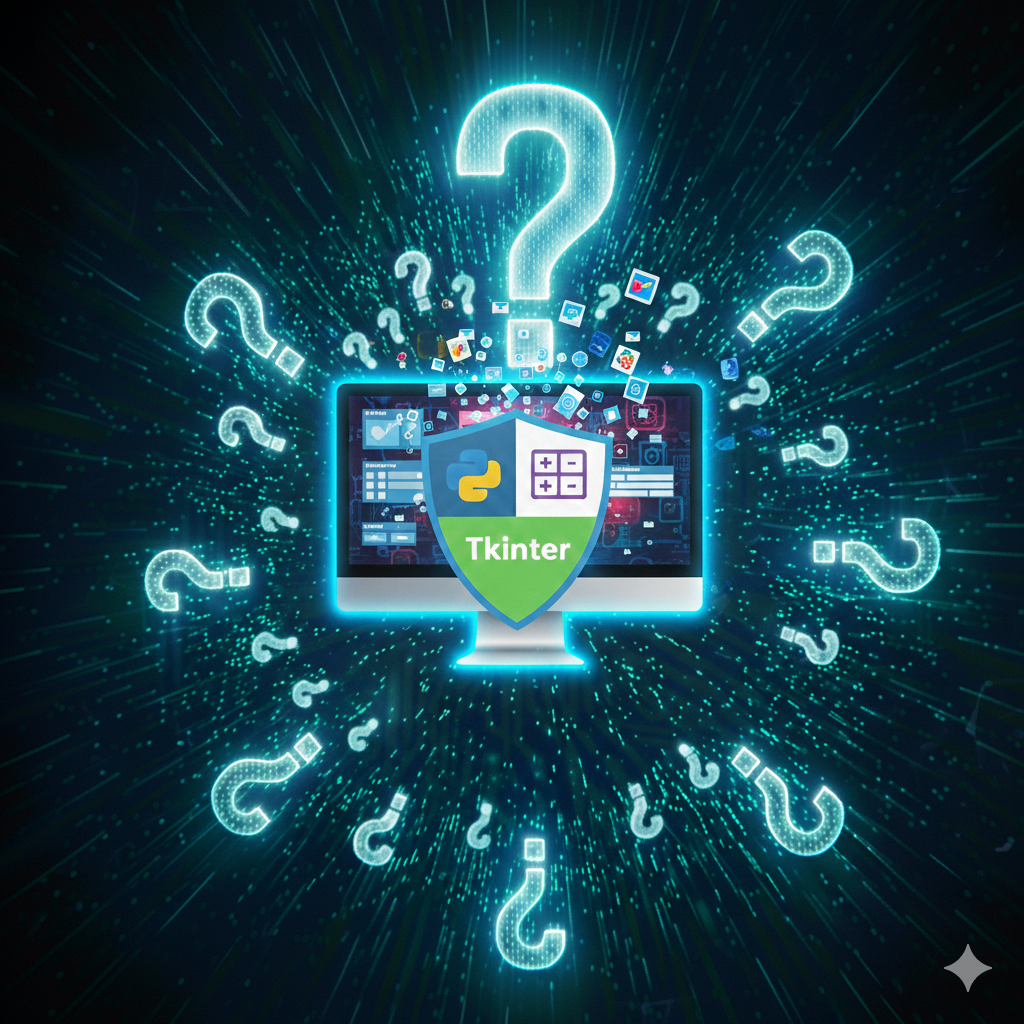
Real-World Utility Advantage: Tkinter is the standard way to build desktop software with Python, allowing kids to create real buttons, menus, and windows that look like the professional apps they use every day.
Mental Focus & Productivity: Planning an app interface teaches kids to think about the user’s experience and logical flow, which helps them stay organized and stop wasting time on disorganized digital habits.